· Software · 2 min read
Building CoMaps on Linux
The native Qt build and the toolchain I used to build the CoMaps iPhone app from Linux.
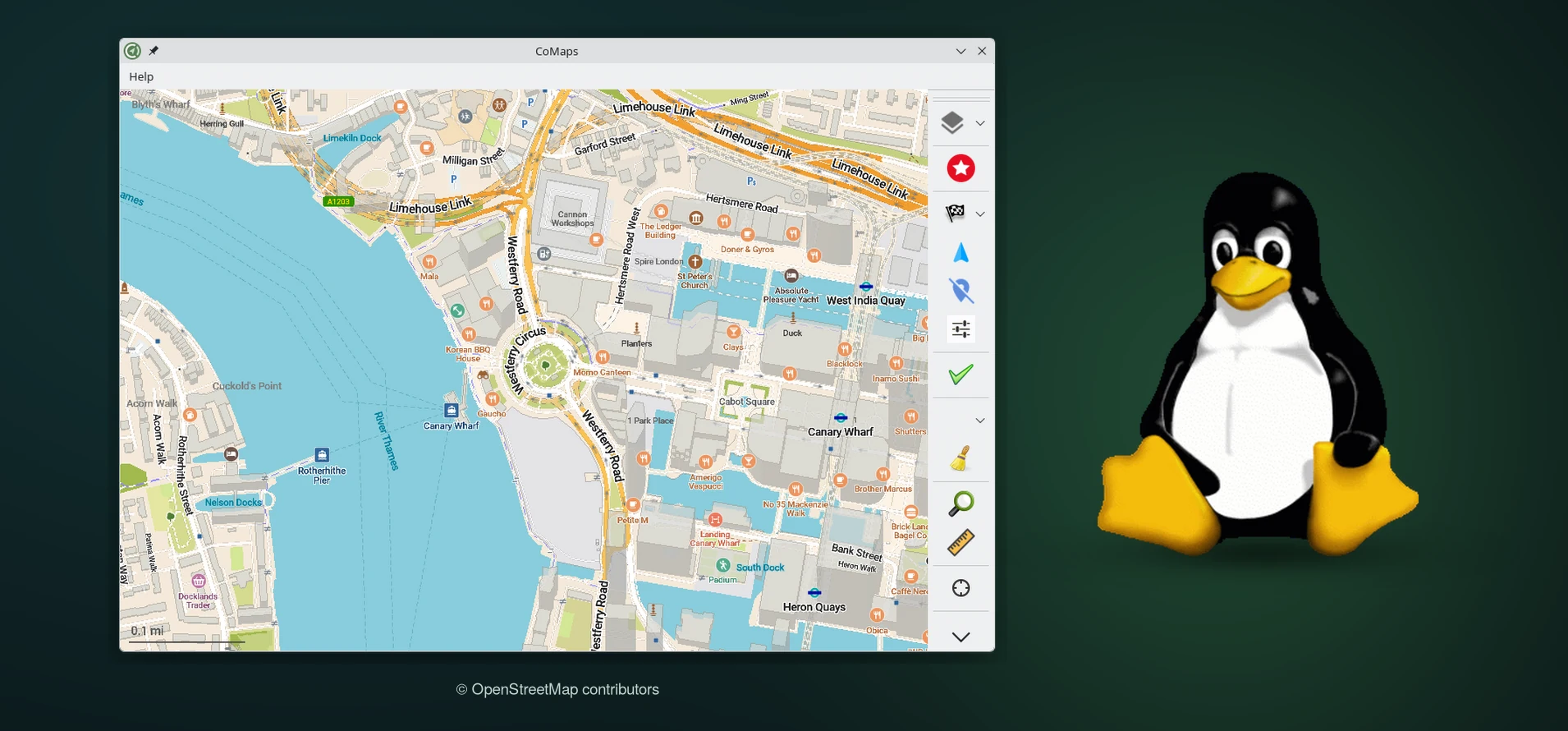
I wanted to try my opening-hours changes in CoMaps on my iPhone from a Linux machine. The desktop app has a documented Qt build. Building the iPhone app on the same machine also means compiling Metal shaders, storyboards, and asset catalogs.
CoMaps desktop screenshot - Tux by Larry Ewing, created with GIMP - Map data © OpenStreetMap contributors
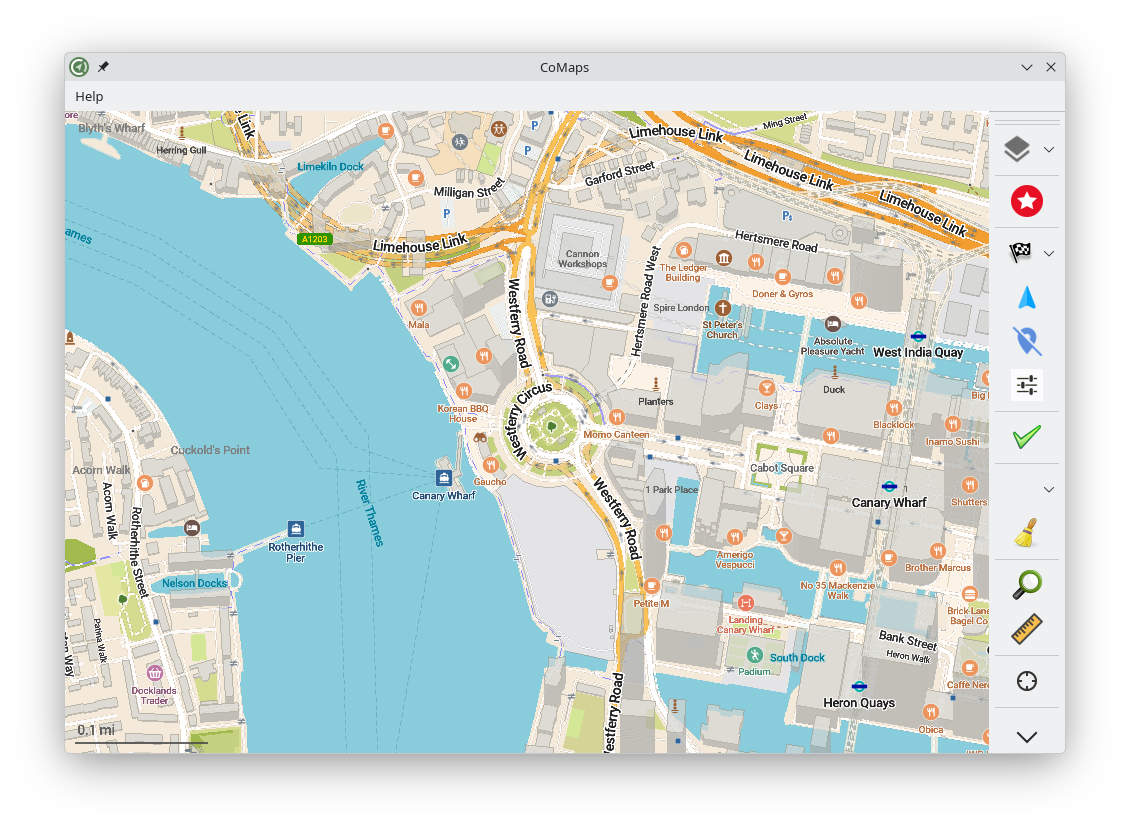

The desktop app
Install the development packages for your distribution, including Qt 6, CMake, and a C++ compiler. From a fresh checkout, run the following commands. CoMaps build prerequisites - Desktop build instructions
git clone --recurse-submodules --shallow-submodules https://codeberg.org/comaps/comaps.git
cd comaps
./configure.sh
tools/unix/build_omim.sh -r desktop
../omim-build-release/CoMaps
The iPhone app from Linux
I used the xtool 2.0 beta for Xcode workspace support and extracted the iOS SDK from Apple’s Xcode 26.6 archive with xtool setup. Two extra tools filled in the resource build. xtool release notes - Linux setup guide
- A patched SweetPad build provided
actoolfor asset catalogs andibtoolfor storyboards and XIBs. The patch covered CoMaps interface files and generated asset accessors compatible with the app's deployment target. SweetPad source - Apple's Metal Developer Tools 6.2 for Windows ran under Wine. Small wrappers exposed
metalandmetallibonPATHand translated Linux paths for the Windows tools. Apple's Metal developer tools
Run ./configure.sh from the CoMaps checkout to prepare the map resources before building. Keep the type table, drawing rules, and symbol atlases from the same checkout. A mismatch can let the app link and still crash on launch. CoMaps map styles guide
Once the resource tools are on PATH, run the build from xcode/ so xtool picks up the full workspace and its native libraries. My local project settings turned off build-time signing, added the SDK’s Swift libraries to the linker search path, and linked zlib.
cd xcode
test -e xtool.yml || printf 'version: 1\n' > xtool.yml
xtool dev build --scheme CoMaps
The result was an unsigned arm64 app at xcode/xtool/CoMaps (Debug).app. I signed and installed a debug build separately over USB. The iPhone build still relies on the local resource-tool patches, so the workspace command is the last step of the setup.
I saved the build scripts, patches, checksums, and setup steps in a companion repo. It is an unsupported proof of concept. CoMaps iOS build kit
Join the conversation
Comments